

Turn any product into recurring revenue
Subscription management is the core of Curobi: define how a product can be bought on a schedule, apply that plan across your catalog, and manage the full lifecycle of every subscription — on Shopify's own billing rails, with 0% transaction fees.
Curobi's subscription management lets a Shopify merchant create recurring, prepaid, and box plans — with flexible frequencies and optional subscribe-and-save discounts — and apply them to individual products, specific variants, or entire collections, all on Shopify's native Subscription Contracts.
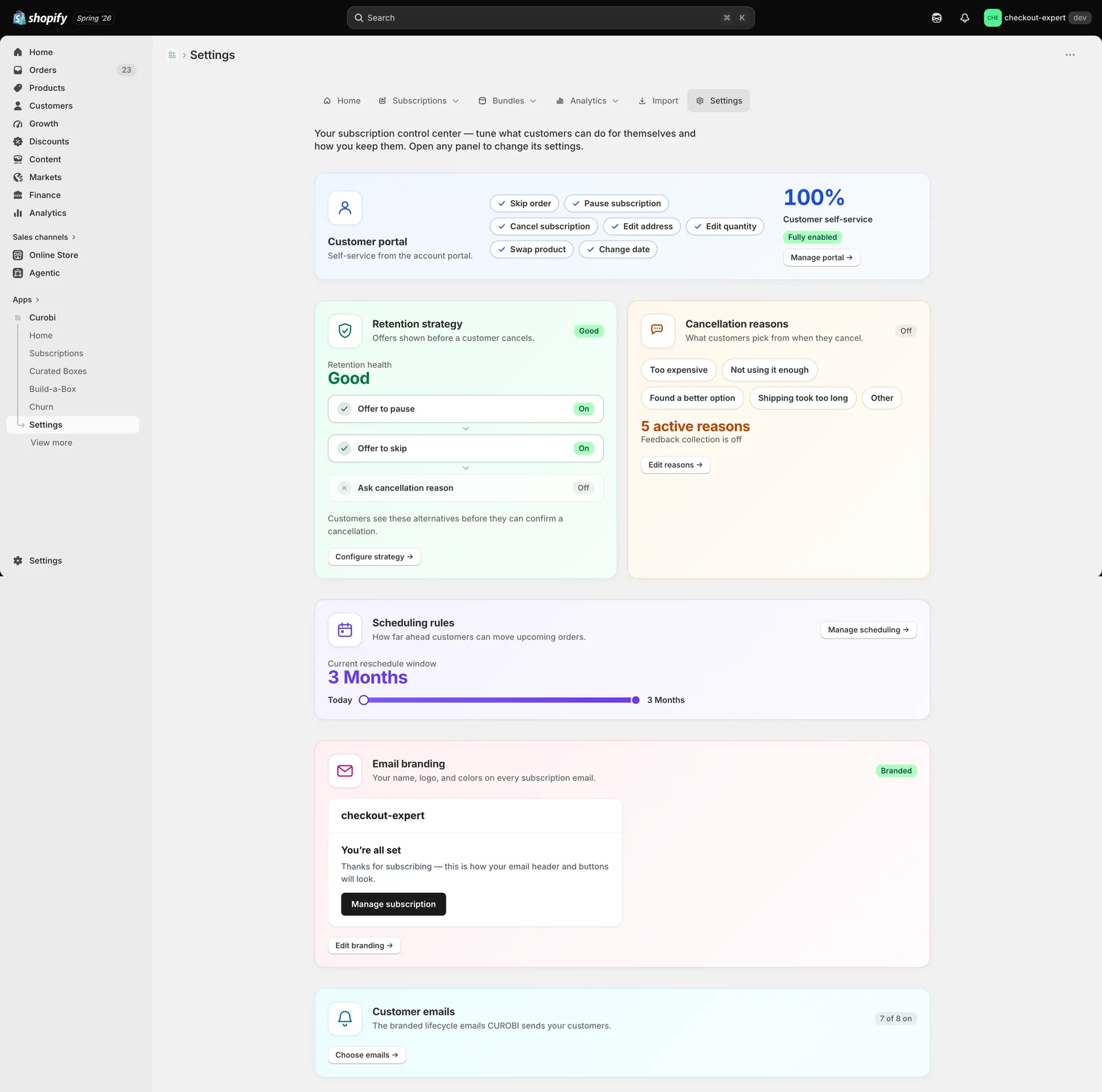
A subscription starts as a plan: the cadence (weekly, bi-weekly, monthly, or any interval), an optional subscribe-and-save discount, and the billing terms. In Shopify's model that plan is a selling plan, grouped and attached to the products or collections that should offer subscription options. Curobi lets you build those plans and apply them to a single product, a specific variant such as a grind or size, or an entire collection.
From there Curobi manages the lifecycle. Recurring charges are created and settled by Shopify's own Subscription Contract billing using the payment method the customer vaulted at checkout, so Curobi is never in the payment flow — it cannot double-charge, and there is no transaction fee for it to add. The billing core is idempotent by design, so a retried or replayed event never becomes a duplicate charge.
Most stores can install Curobi, create their first plan, and add the widget to a product page in well under an hour. Curobi is free to install, so you can build and preview your plans before committing to a paid tier during the 14-day trial.
What Subscription Management gives you
- Recurring subscriptions on any product, specific variant, or entire collection
- Flexible delivery frequencies with optional subscribe-and-save discounts
- Prepaid subscription terms billed upfront
- Runs on Shopify Subscription Contracts and native checkout
- Idempotent billing core that cannot double-charge
- 0% transaction fees on every plan, always
How to set up a subscription plan in Curobi
Create a subscription plan
Set the cadence (weekly, bi-weekly, monthly, or any interval) and any subscribe-and-save discount.
Apply it to your catalog
Attach the plan to an individual product, a specific variant, or an entire collection.
Add the purchase-option widget
Place the widget on the product page so shoppers can buy once or subscribe from the same page — no separate checkout.
Go live and manage
Subscriptions are created at Shopify's checkout and mirrored into Curobi, where you manage the full lifecycle.
Related terms: Selling Plan, Subscription Contract, Prepaid Subscription.
Questions merchants ask
- What can I sell with Curobi?
- Recurring product subscriptions, prepaid subscription terms, build-your-own boxes, merchant-curated subscription boxes, product bundles, and memberships. Plans apply to individual products, specific variants, or entire collections.
- Do I need a subscription app if Shopify already has free native subscriptions?
- Shopify's free native Subscriptions app is a fine place to start if you sell one or two products on a simple recurring schedule. Most stores outgrow it: there are no build-your-own or merchant-curated boxes, no bundling, only a basic customer portal, and no failed-payment dunning or cancellation save flows. Curobi runs on the same native Shopify Subscription Contracts — so you keep Shopify's checkout and billing — but adds the boxes, bundles, self-service portal, and churn recovery that growing stores need, without adding a per-transaction fee on top.